Showing posts with label tricks. Show all posts

Sunday, 13 May 2012

Improve your photos by editing

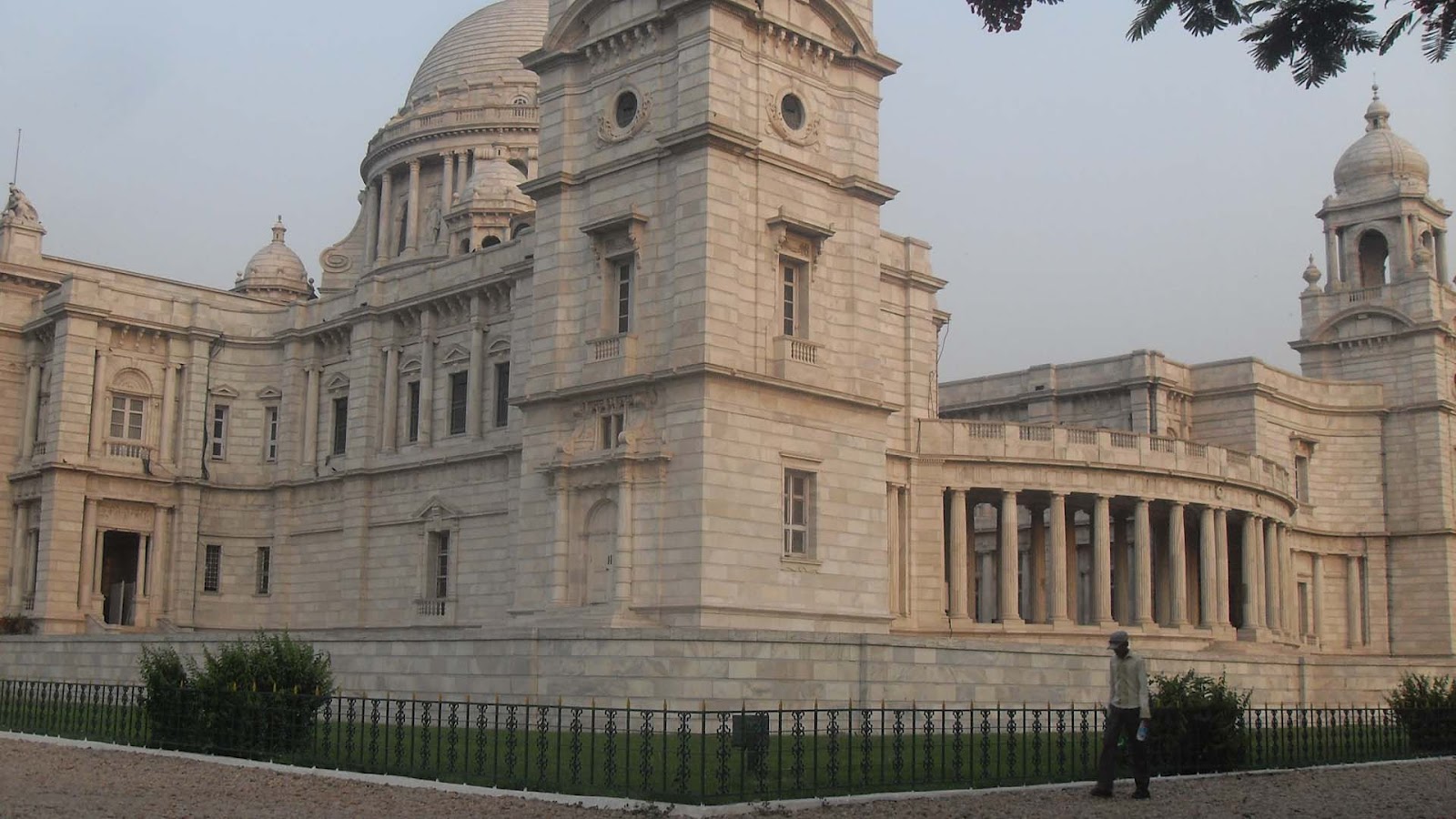
Hi, guys been a long while since my last post. Okay this time i'm gonna show how editing can greatly enhance or change your photographs. I decided to write this, after I was searching to post a photograph on my Facebook Page, being unable to find any good photograph i decided to edit a photo. here it is.
Unedited Photo "vuda park"
this is the photograph loaded directly from my point and shoot the Samsung L100. doesn't looks so great does it? okay i'm not any professional but after playing around in Photoshop I was able to produce some what better image, just simple editing like adjusting the brightness and contrast etc. and cropping the photo changed it. So have a look below at the edited version of the same above photo.
Edited Photo "vuda park"
The difference is clearly visible, i like the edited picture better the colour and everything else is much better here. please note that the unedited was shot with a point n shoot and it was a very old model, however with new present day models and SLR s you wont need much editing because these new cameras are much powerful and accurate and produce better results. However with proper editing your photograph can get even better. So don't hesitate to experiment with your photographs...

Some more examples of editing...
Unedited photo 
Dramatically edited photo

Saturday, 5 May 2012

Ghost Photography Trick

Hey guys, welcome again. Yesterday I was just going through old folders of my desktop where I discovered my long lost ghost photographs, LOL they are'nt really ghost photographs actually, just me experimenting with the camera using long exposure or what others might call as slow shutter speed. Its fun, so I though it would be nice sharing some of the pictures.

The picture you see here is of myself, which is almost 2 - 3 years old. What I did here is used a shutter speed of 8seconds along with automatic shutter of 10 seconds, having pressed the shutter I sat before the camera. As the camera started capturing the image I sat there for 4 seconds and the remaining 4 seconds was recorded without me, Hence the result. Note that you have to use lowest possible iso and the smallest apperture. Also make sure that you capture the image in a dark room for good results.

ghost photography
This second picture actually looks like a sword swipe from some action game (like prince of persia :P). This is a 4 second exposure and the light is me rotating a candle. Its a result of me playing with the camera during powercut.

ghost photography

This third image again is similar to the first one, same settings etc. I like this one more.

ghost photography

This final pic was captured in my cousin's home, was just tampering with the camera settings. Shot this in negative mode. May not look like a ghost photograph but it has got some eerie look in it.

ghost photography

What I get to learn from here is just keep on experimenting you never know when you get a good unexpected shot ;)

Monday, 30 April 2012

Miniature Photography

Miniature Photography is nothing but the effect in which normal and day to day objects are made to look small using photography techniques such as using tilt shift lenses or simply by using photoshop. Here I would like to present some of my miniature photography works in which the affect has been achieved using photoshop cause the tilt shift lens are really costly, they will surely burn a hole in your pocket unless you are richie rich. So have a  look at some of the pics.

♦ The first one is captured from the top of an apartment

♦ The second one is my college

♦ This is Tirathgarh waterfalls in Chattisgarh, very nice place

♦ This is the lower area of the waterfalls in the forest

♦ Now this is one of my favorites, this was captured from the top of a hillock. It looks kinda cute

Well thats all for now, hope you loved the pics, If so don't forget to share them on fb ;) will be back next time with more photos and topics on photography,  till then have fun - take care ♥